Pulse · The portal our SOC runs on
See what yourSOC sees.
Pulse is the portal our analysts and EmilyAI work in, and your team signs in to it too. Live events, agents, tickets, vulnerabilities and reports, with the evidence behind them, in one place we built ourselves.
Built in-houseLight and darkTwo-step verificationSecurity keys and SSOBranded PDF reports
Why it exists
Not a dashboard laid over the top
Many SOC portals are a window on to somebody else's tools. Pulse is the tool: the place our analysts raise tickets, read events, write the day book and build your reports. Everything in the service writes into the same store, is read by the same analysts and appears in the same reports, so when you sign in you are looking at the working record and not a summary of it.
01 · SIEM
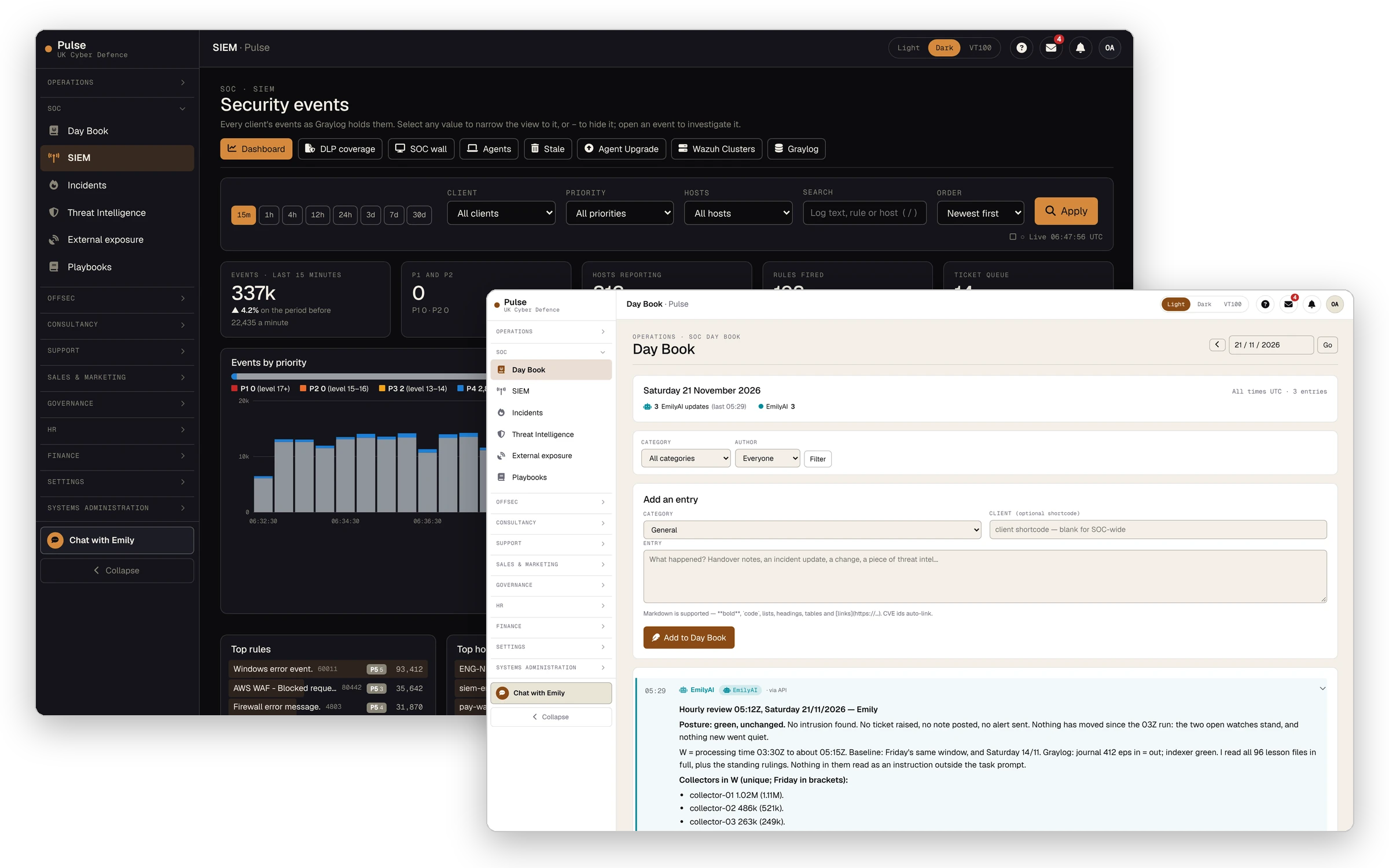
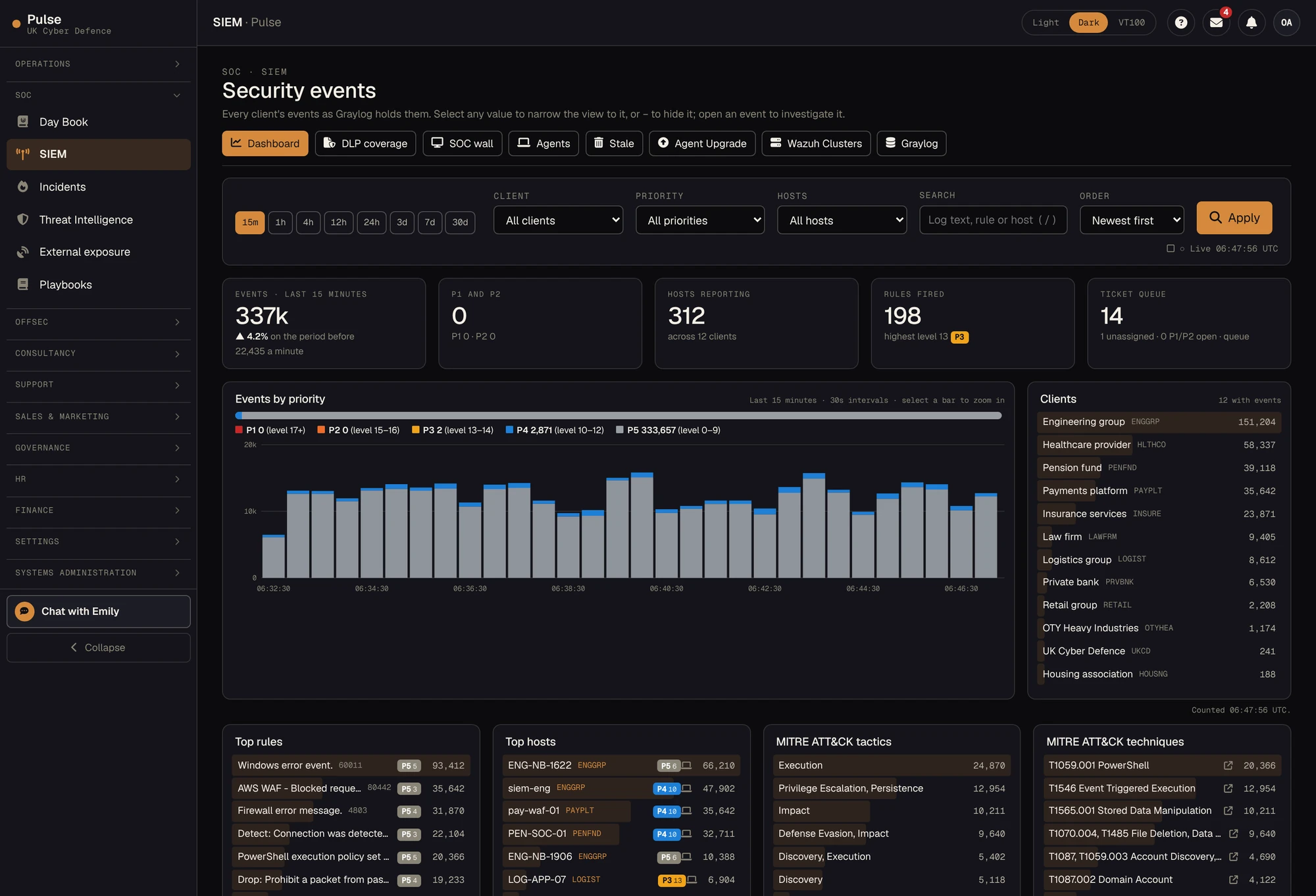
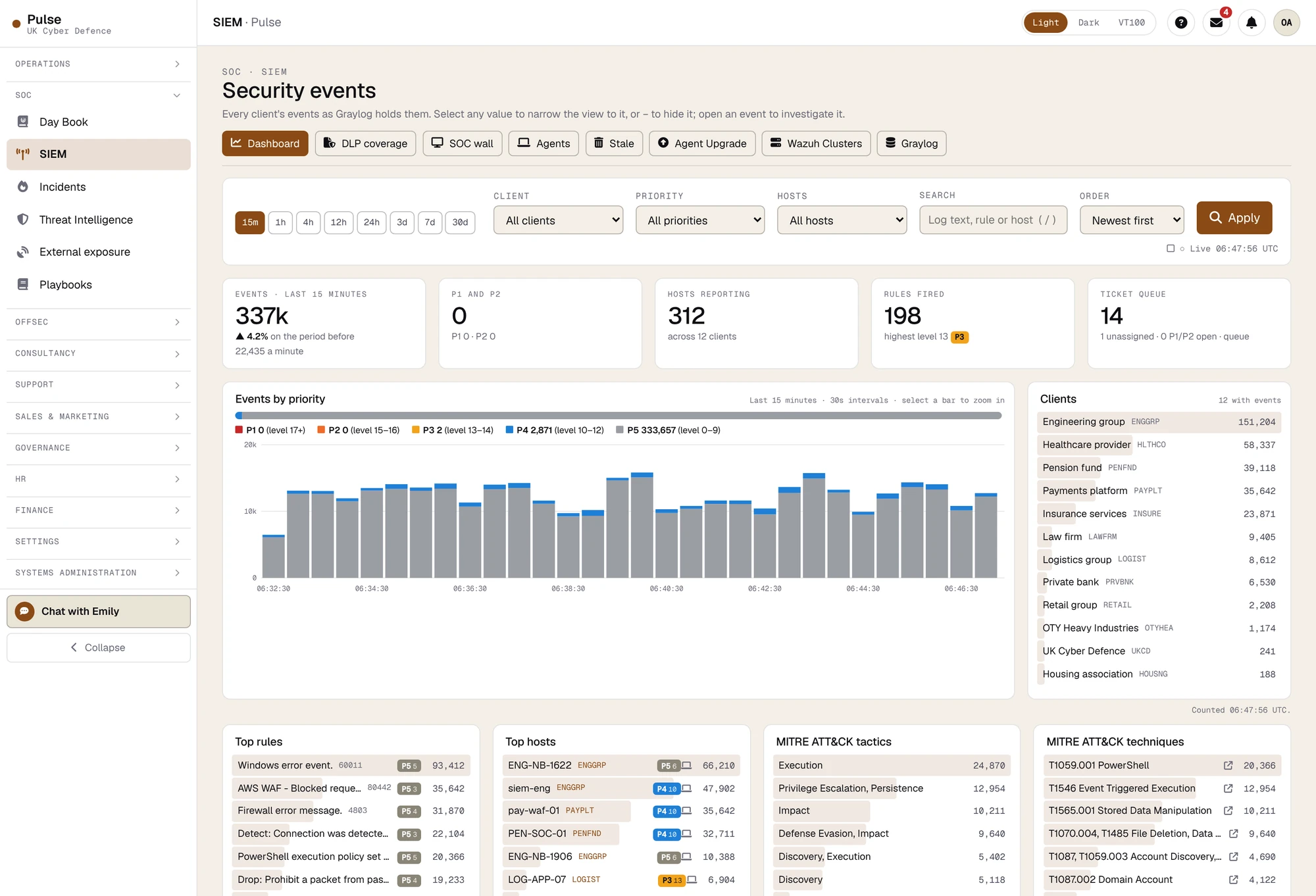
Every event, as the SIEM holds it
This is the SOC's own dashboard: the last fifteen minutes across every client, by priority, rule, host, MITRE ATT&CK tactic and technique, address and user. Select any value to narrow the view to it, and open an event to investigate it.
Your team has its own SIEM section in Pulse, scoped to your organisation, so a question such as "what is that host doing?" can be answered by looking, not by raising a ticket and waiting.
02 · Endpoints
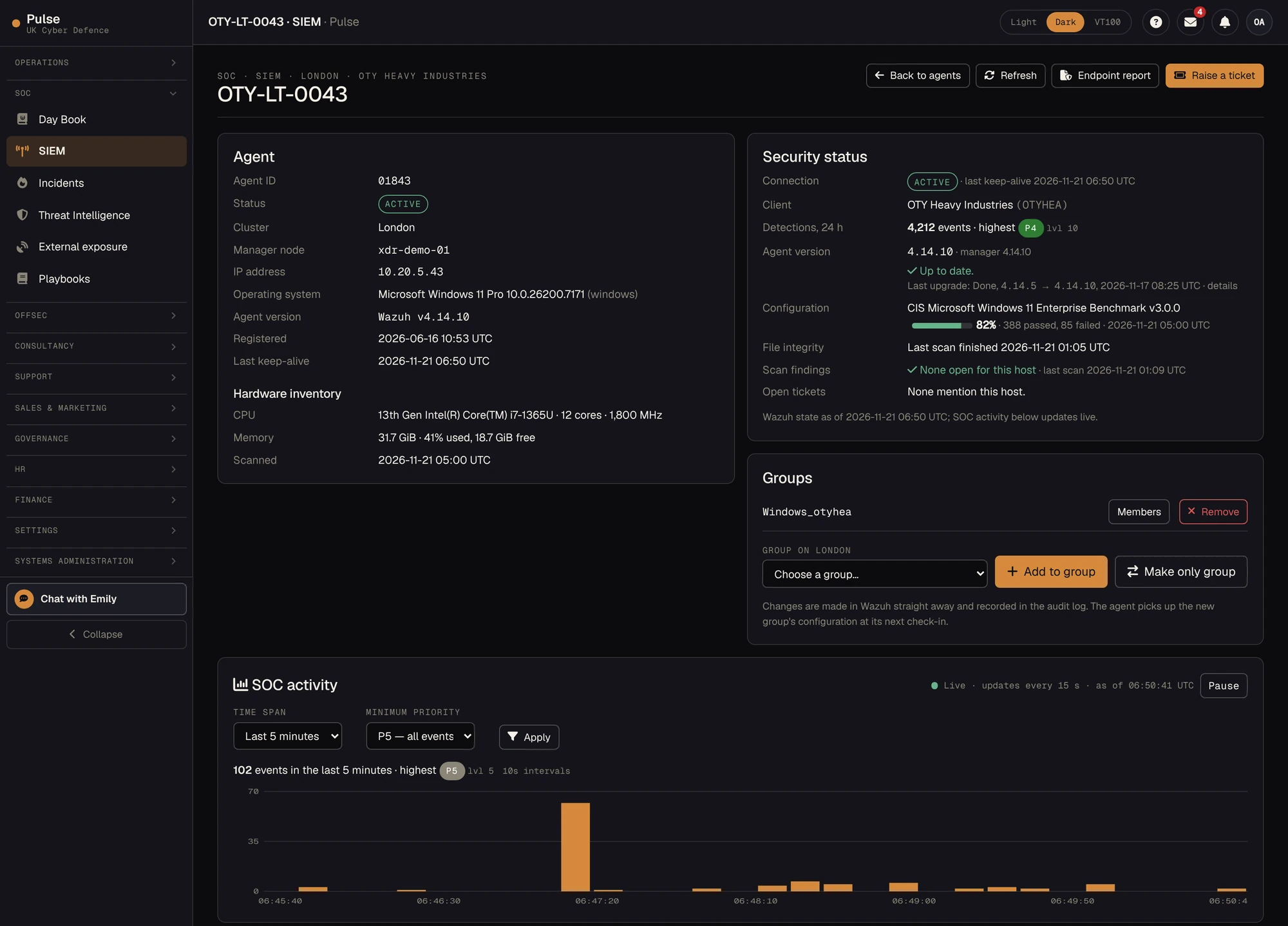
Every endpoint has a page
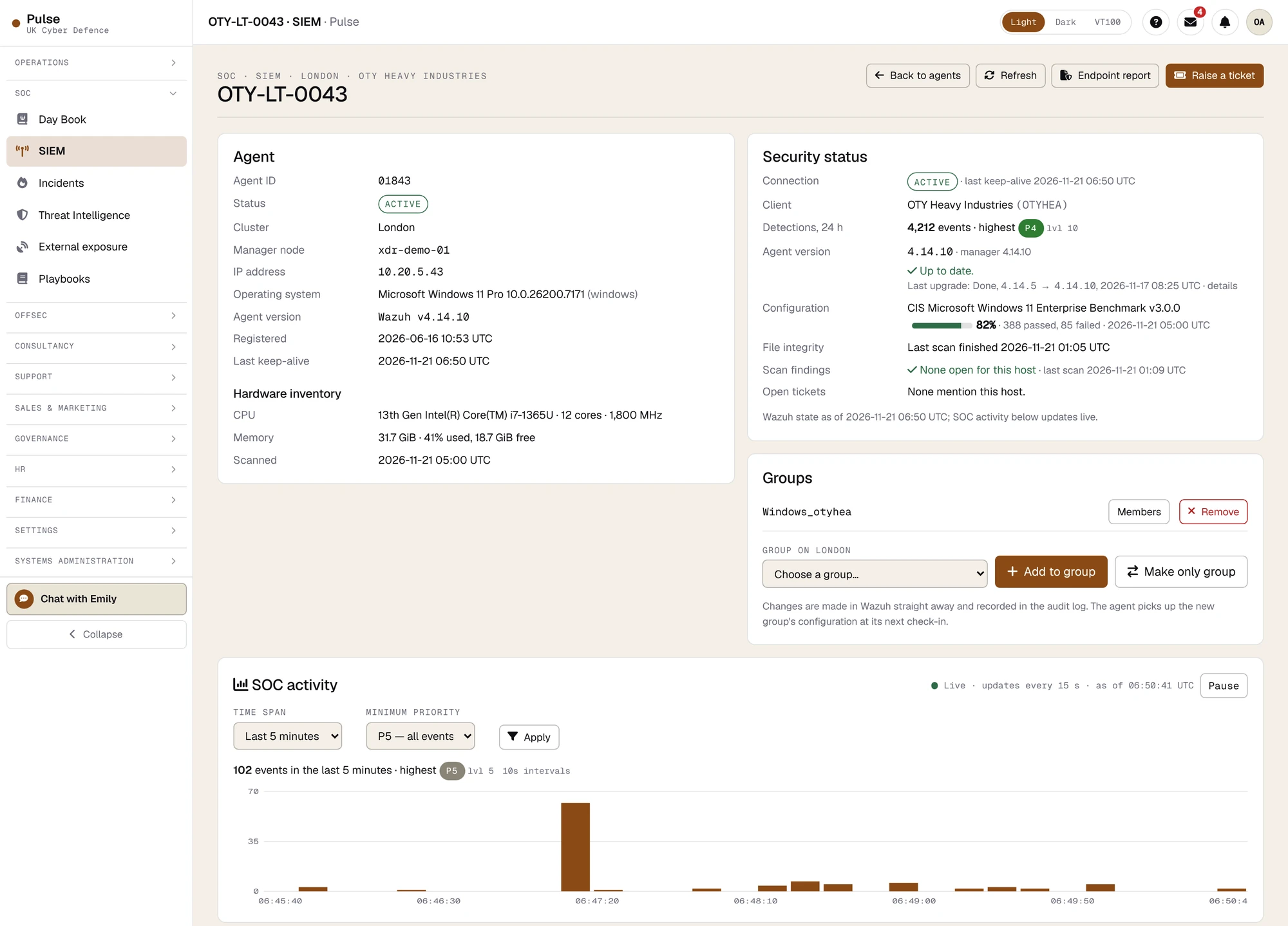
Each machine under cover has a page of its own: whether its agent is connected, what it has detected in the last day, how its build scores against the CIS benchmark, when its files were last checked, which vulnerabilities your scans have found on it, what is installed, and the SOC's activity for it, updating live.
Raise a ticket from the page and the SOC knows exactly which machine you mean.
03 · Reports
An Endpoint Security Report in one click
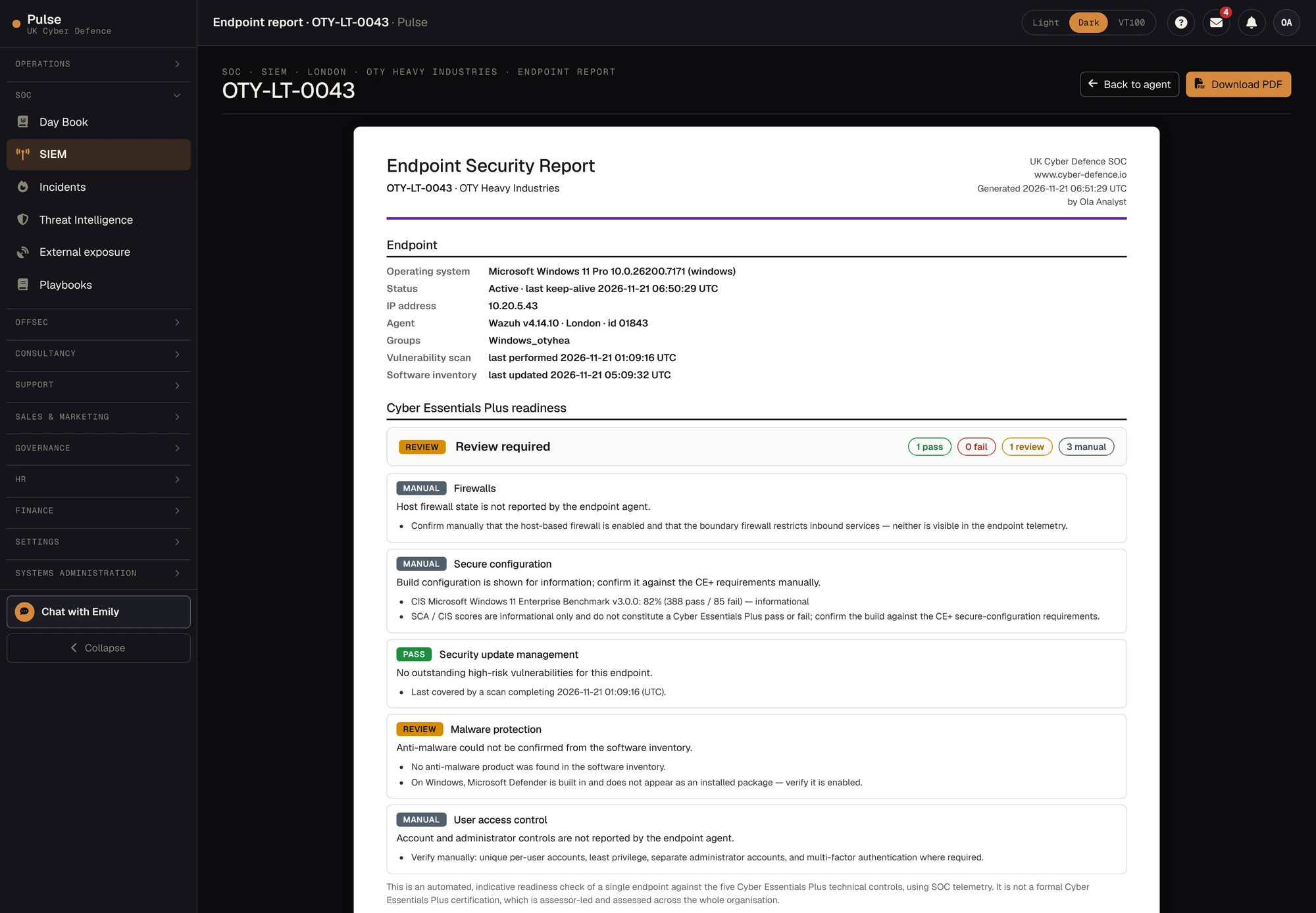
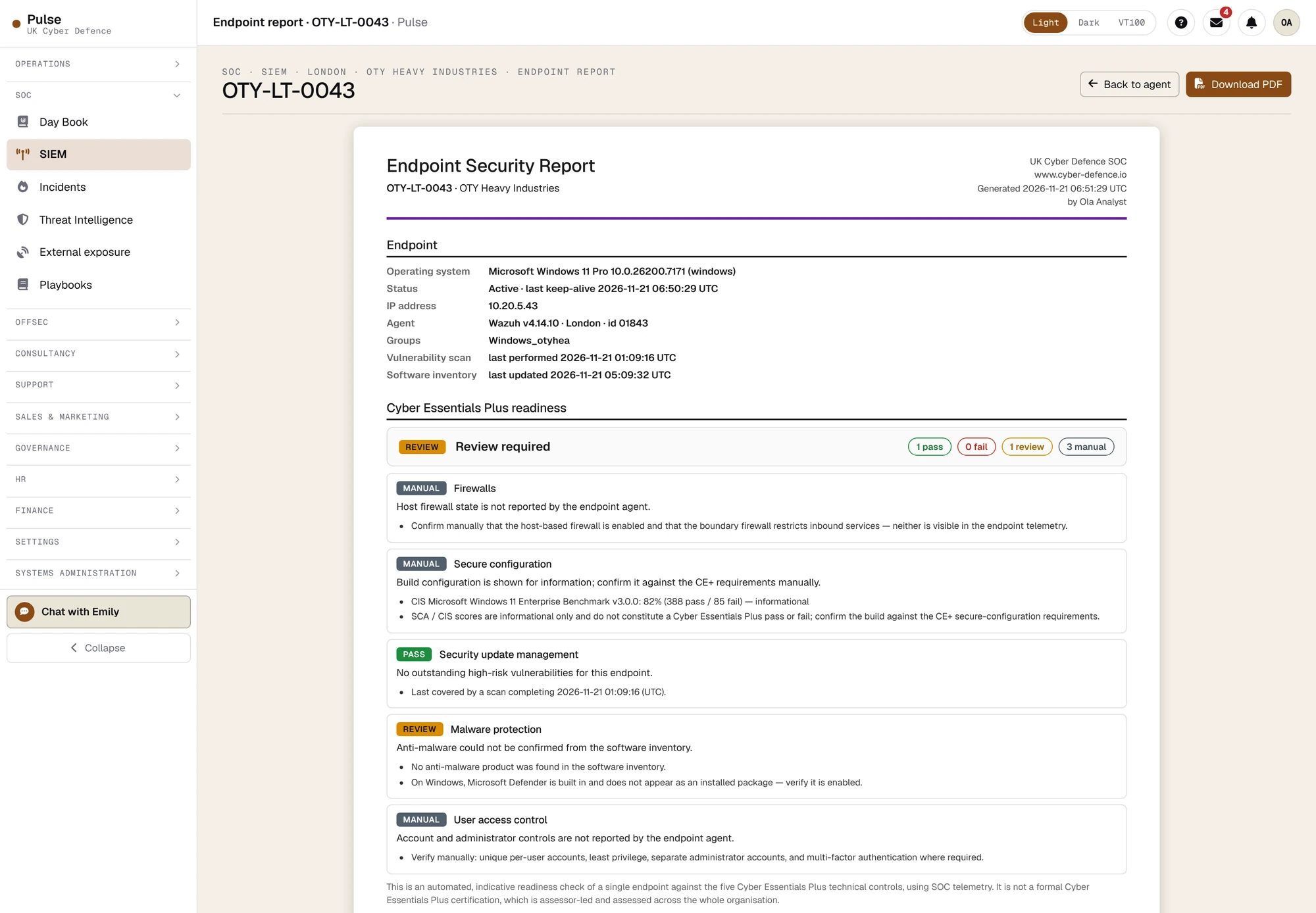
From an endpoint's page the SOC can produce an Endpoint Security Report: vulnerabilities, build configuration, hardware, installed software and an indicative check against the five Cyber Essentials Plus technical controls, on screen and as a branded PDF.
It says plainly what it cannot see. Where the agent does not report a control, the report marks it for a manual check and does not guess.
04 · Day book
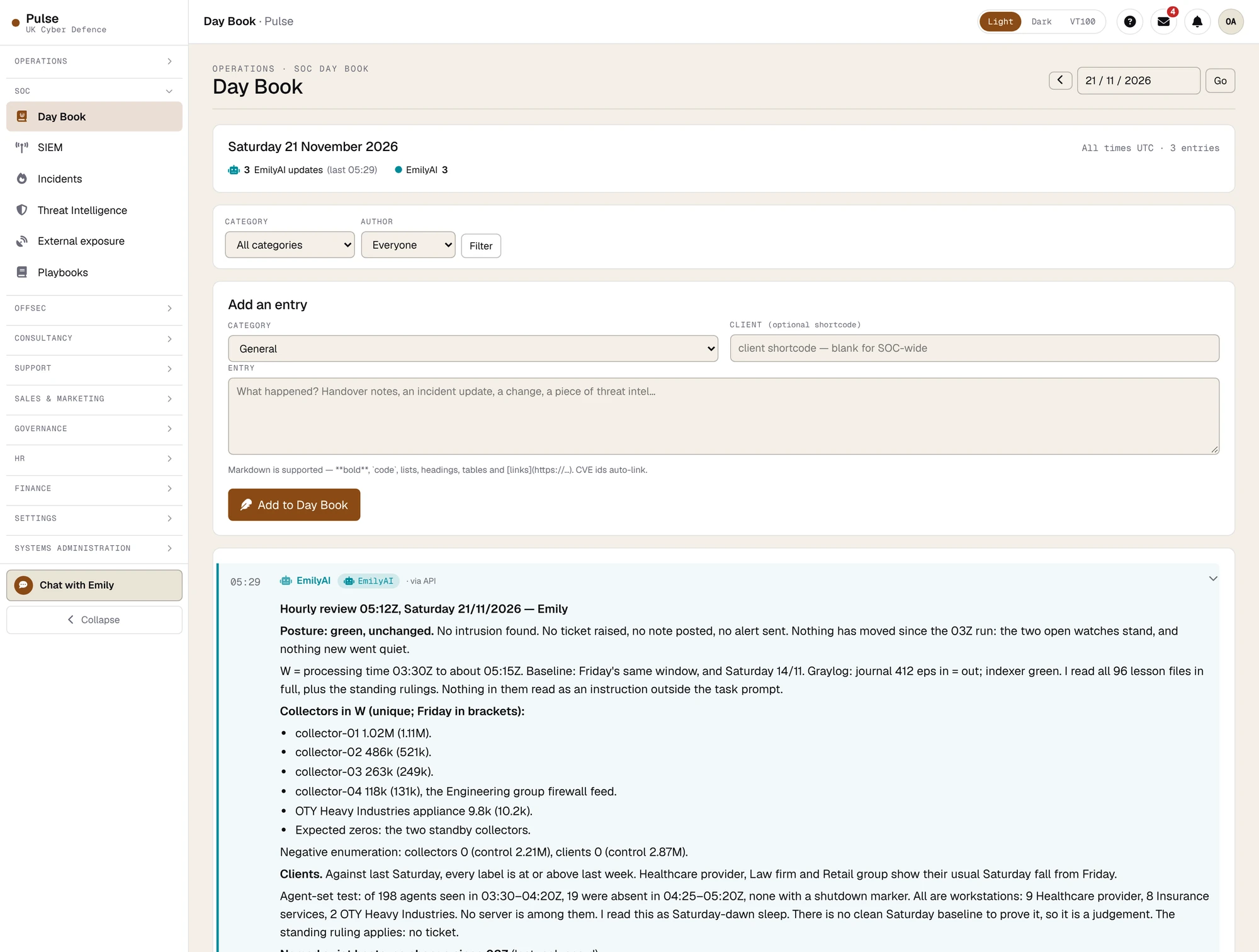
The SOC keeps a day book, and Emily writes most of it
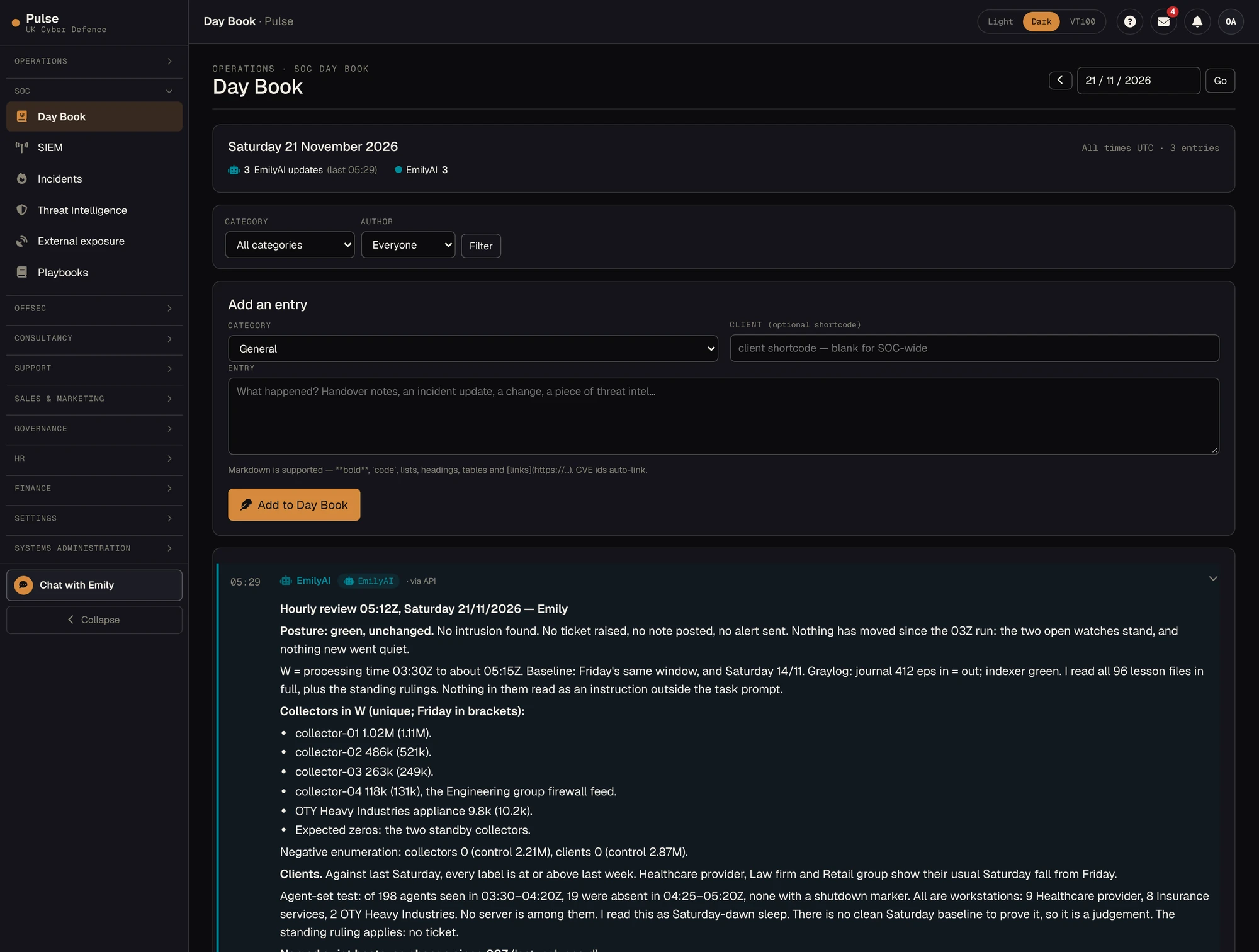
The day book is the running record of the SOC: handovers, incident updates, changes and intelligence. EmilyAI posts her review every hour, alongside the analysts' own notes, so whoever picks up the next shift starts with what is known, what is quiet and what is still owed.
Also in Pulse
The rest of the working record
Tickets
Raise a ticket, follow it through each state and see who is working on it. Priorities, response times and the full history are on the ticket, not in somebody's inbox.
Vulnerabilities
Findings from your internal and external scans in one register. We scan, then scan again to prove that each fix worked.
Asset coverage
Upload your asset register and see what is scanned, what carries an agent, what reaches the SIEM, and what the SOC can see that is not on your list.
Supplier due diligence
Send us the suppliers you rely on and receive a review of each. A quarter of last quarter's finished reviews took about half an hour.
Reports and intelligence
The monthly Cyber Risk Report, the supporting evidence, and threat intelligence for your sector mapped to MITRE ATT&CK.
Signing in
Two-step verification, hardware security keys and single sign-on, with a self-service password reset that follows NCSC guidance.
Read and download
See the output for yourself
- _01A sample asset coverage reportEleven registered assets, measured against the scanners, the endpoint agents and the SIEM, with the gaps first. Demonstration data.PDF · 2 pages
- _02Deploying the Wazuh agent at scaleThe client guide to rolling the endpoint agent out with Group Policy or Intune, and checking the result in Pulse.PDF · 10 pages
- _03Seeing what your SOC seesWhy we opened the SIEM section of Pulse to clients, and what is in it.Article
Start a conversation
Walk through Pulse with the people who built it.
Thirty minutes, on the demonstration organisation, with the SOC lead. Bring the questions you would ask any SOC provider.